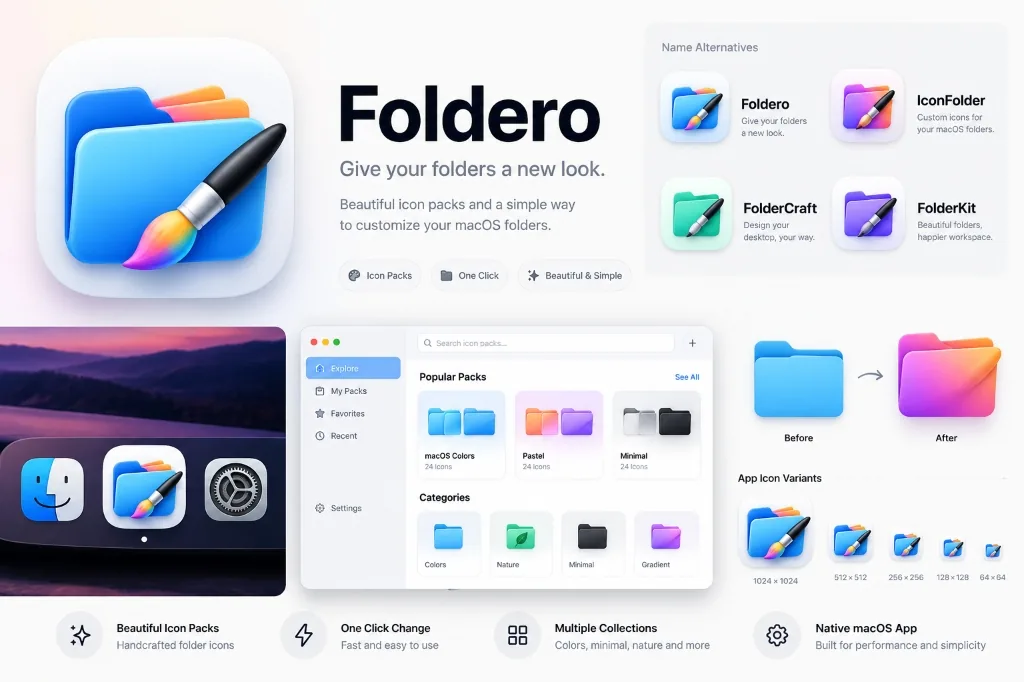
Foldero
Give your folders a new look.
Curated icon packs and a built-in Icon Studio for macOS. Drop a folder in, pick a look, apply, and reset to Apple's blue any time.
- BUILT BY
- Bhargav Detroja
- PLATFORM
- macOS 13 Ventura and later
- STACK
- Swift 5.9 · SwiftUI · CoreGraphics
- LICENSE
- Free · MIT
Every folder is the same blue
macOS lets you give a folder a custom icon, but only the hard way: make the image yourself, open Get Info, paste it in, repeat for every folder. Most people never bother, so projects, clients and downloads all look identical in Finder.
Foldero turns that into one drag and one click.
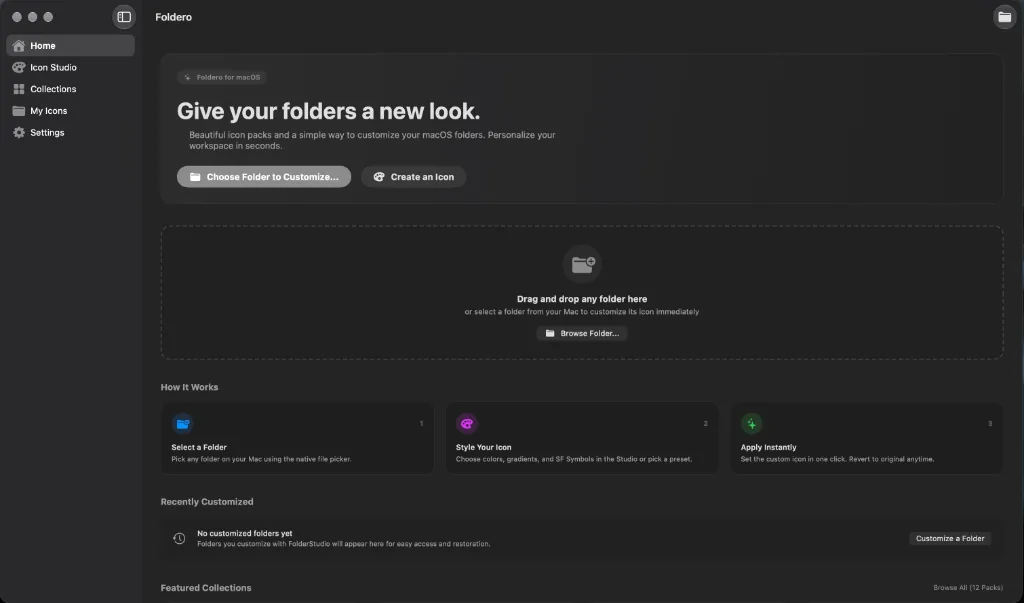
Drop a folder. Done.
The home screen is one big target: drag any folder from Finder, or pick one with the native file picker.
- Select a folder
- Style an icon or pick a preset
- Apply instantly, revert any time
Packs for every desk
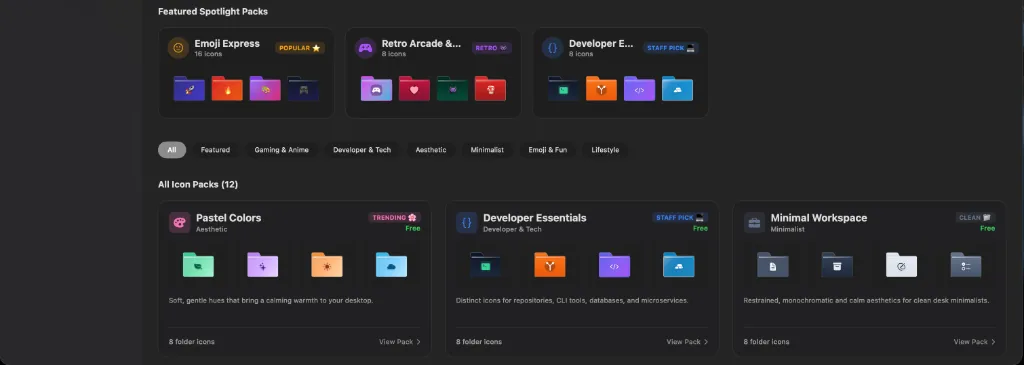
Twelve curated packs, grouped so you find a look fast, from soft pastels to developer icons for repos, CLIs and databases.
- Featured spotlight packs
- Filters: Developer & Tech, Aesthetic, Minimalist, Emoji & Fun, Lifestyle
- Each pack previews its folder icons before you open it
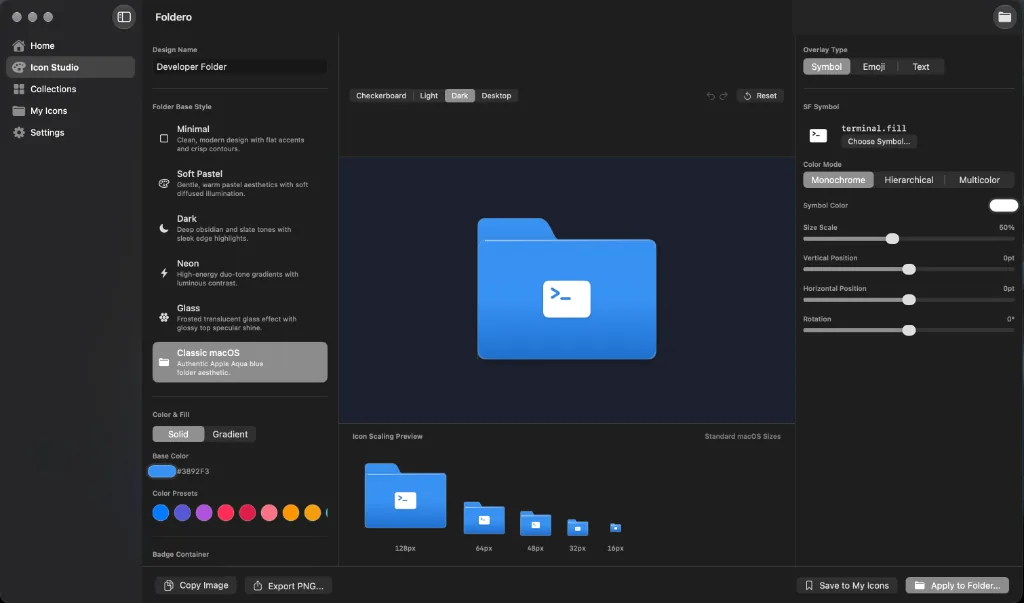
Make your own
A full editor for when no pack fits: choose a base style, then layer a symbol, emoji or text on top.
- Base styles: Minimal, Soft Pastel, Dark, Neon, Glass, Classic macOS
- SF Symbols, emoji or text overlays with size, position and rotation
- Live preview at 128, 64, 48, 32 and 16 px, then export PNG or apply
What happens on Apply
Folder contents are never touched, only the icon metadata macOS already supports.
-
01
Render
Builds a multi-resolution bitmap, 16×16 up to 1024×1024, with CoreGraphics.
CoreGraphics -
02
Attach
Hands the image to macOS for that folder.
NSWorkspace.shared.setIcon(_:forFile:options:) -
03
Flag
macOS sets the custom-icon flag and stores the icon in a hidden file inside the folder.
com.apple.FinderInfo · Icon\r -
04
Refresh
LaunchServices and CoreServices are notified, so Finder updates without a restart.
LaunchServices
From FolderStudio to Foldero
The repo started as FolderStudio. Foldero beat IconFolder, FolderCraft and FolderKit, short, ownable, and it says what it does.